
Everyday Color Doppler. Compact Footprint.
-
21.5-inch Full HD LED
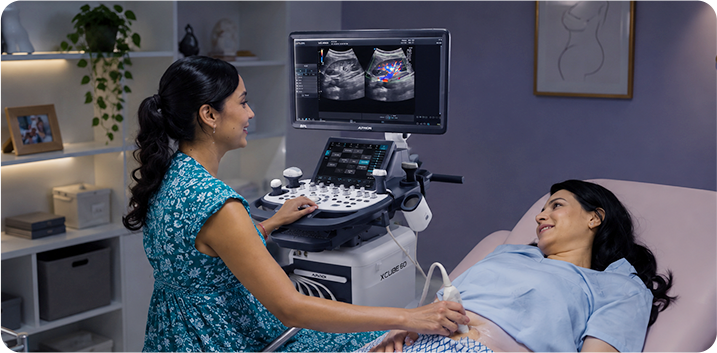
Plus a 12.1-inch Touch ScreenA 21.5-inch Full-screen imaging, with a 12.1-inch LED touch screen that provides better angles at different machine heights.
-
X+ Architecture
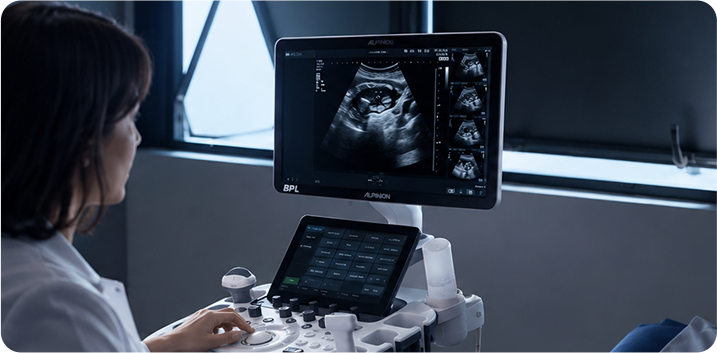
Clear, High-sensitivity ImagingALPINION signature probe technology for image quality with high sensitivity and a wide band, for resolution, contrast, and uniformity.
-
Microvascular Imaging
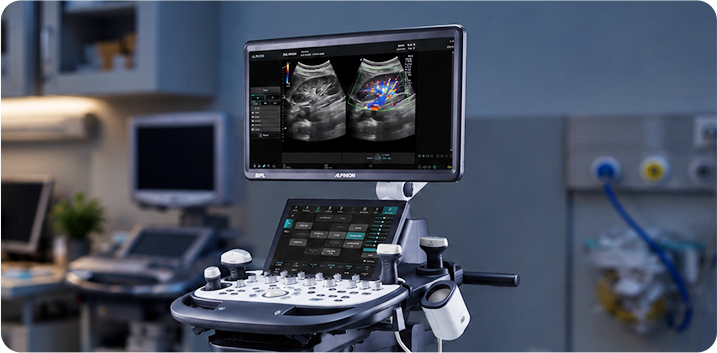
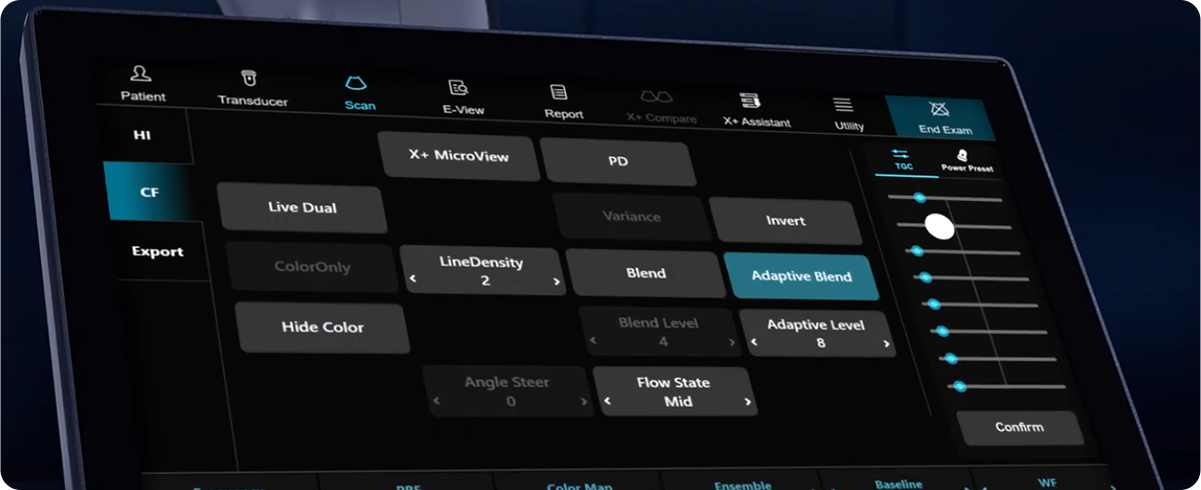
Low-velocity FlowDetects sensitive and low-velocity blood flow at higher frame rates, supporting clearer vascular and organ assessment during routine color Doppler exams.
-
Auto Measurements
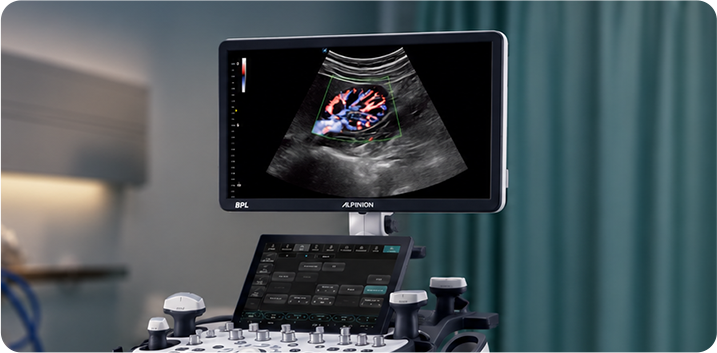
Faster Routine WorkAuto Biometry, Auto NT, Auto IMT, Auto EF, and Auto Follicle. A 3-step supersonic gel warmer and 4 transducer ports are optionally available.
Where This Ultrasound Fits Best
For hospitals and clinics running general, obstetric, and cardiac scanning day to day, without the Elite-tier systems.
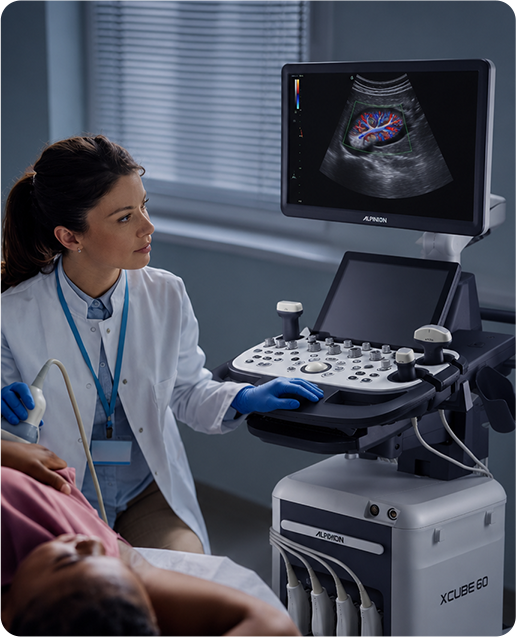

General Diagnostic Imaging
Everyday color Doppler for standard department volumes, with high-resolution X+ Architecture imaging for confident routine diagnosis.

Obstetric and Gynecological Scanning
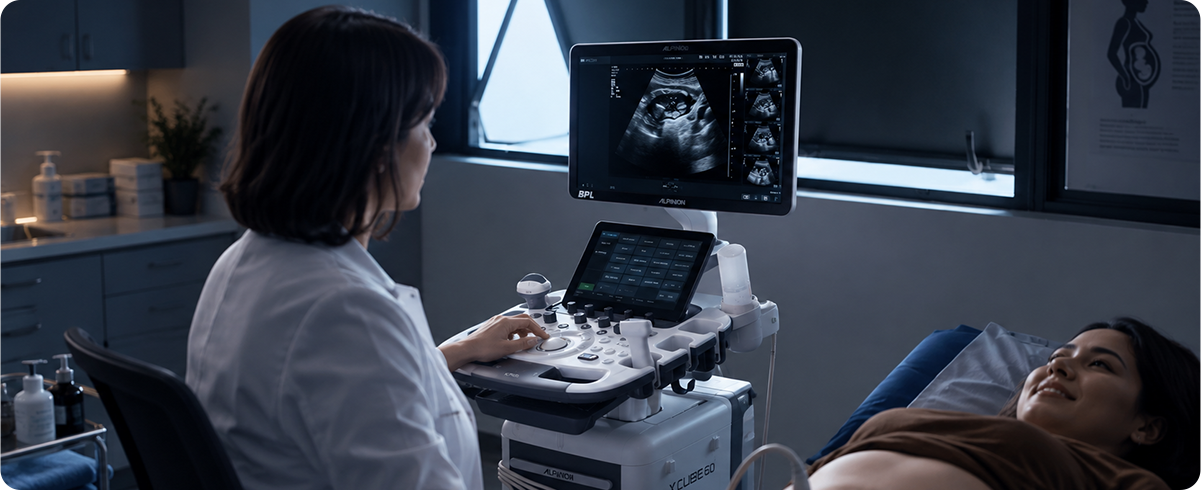
Obstetric and gynecological exams move faster with Auto Biometry, Auto NT, and Auto Follicle on the same platform used for general work.

Cardiac Imaging
Cardiac scanning is supported with Auto EF, so echo needs sit alongside general and obstetric lists on one system.

Vascular and Microvascular Assessment
Microvascular imaging helps visualize sensitive, low-velocity blood flow at higher frame rates during vascular and organ review.

Compact Scanning Rooms
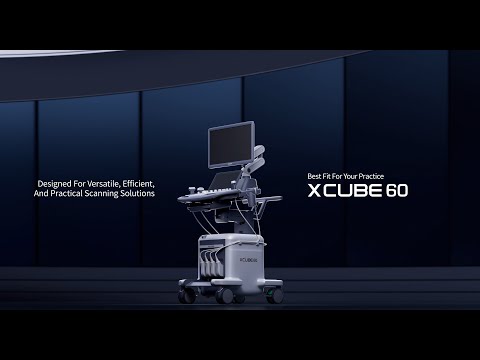
The compact footprint and ergonomic layout fit constrained scan rooms where space and operator comfort both matter.
Technical Specifications
Essential details for procurement teams, biomedical engineers, and dealers.
-
SpecificationDetails
-
TierMid-range
-
Intended SettingHospital / clinic diagnostic imaging
-
ApplicationsGeneral, OB/GYN and Cardiac
-
PlatformX+ Architecture
-
Monitor21.5-inch Full HD LED
-
Touch Screen12.1-inch LED touch screen
-
ImagingMicrovascular imaging for sensitive, low-velocity blood flow
-
Auto MeasurementsAuto Biometry, Auto NT, Auto IMT, Auto EF, Auto Follicle
-
Transducer Ports4 transducer ports, optionally available
-
Gel WarmerIt has a 3-level temperature controllable
-
Warranty / SupportToll-free 1800-425-2355. Confirm service terms with BPL.
Full technical specification sheet available on request.
See the Product in Use


Compare Similar Products
Not sure if this is the right configuration? Compare it with other systems in BPL's range.
-
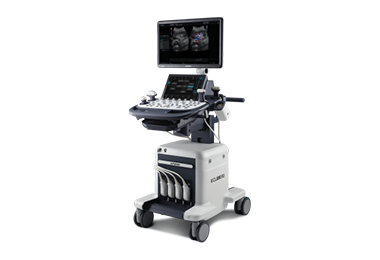
BPL X-CUBE 60
- Mid-range
- Color Doppler for general, obstetric, and cardiac imaging
- Designed for comfort and efficiency in day-to-day scanning
Current Model -
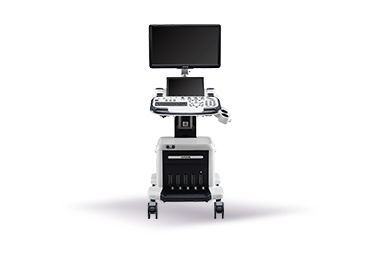
BPL X-CUBE 70 with Elite
- Premium
- Alpinion premium imaging for higher-quality patient care
- Elite imaging package for busy diagnostic departments
- General, obstetric, and cardiac imaging
-
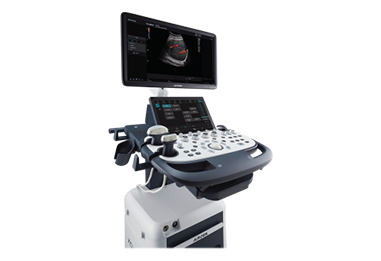
BPL X-CUBE 50
- Mid-range
- Powered by X+ Architecture
- Everyday diagnostic scanning for clinics and smaller departments
Product Support You Can Depend On
Get product assistance, demo support, installation guidance, and service information directly from BPL Medical Technologies.
FAQs About BPL X-CUBE 60
General diagnostic imaging, obstetric and gynecological scanning, and cardiac imaging.
X-CUBE 90 with Elite is the premium flagship with advanced imaging tools for the most demanding workloads. X-CUBE 60 covers standard diagnostic imaging at a mid-range tier.
Yes. It is built to support obstetric and gynecological imaging alongside general and cardiac applications. Live auto tools include Auto Biometry, Auto NT, and Auto Follicle.
A 21" Full HD LED monitor with full-screen imaging, and a 12.1" LED touch screen.
Auto Biometry, Auto NT, Auto IMT, Auto EF, and Auto Follicle.
4 transducer ports, listed as optionally available.
Yes. Live copy describes a compact design meant to use scanning space more efficiently, with a larger touch screen and a customized control panel.
X+ Architecture, the high-resolution imaging platform named on the live page.
Use [Download Brochure] or [Download Product Catalogue] on the product page.
Use [Request for Demo] or talk to a product specialist to book a demonstration.